Your own crypto AI agent.
A free app that runs on your computer: plug in the AI you already use, give it live market data and ask it anything.
Free for personal use. Windows, macOS and Linux, with Node.js 20 or newer.
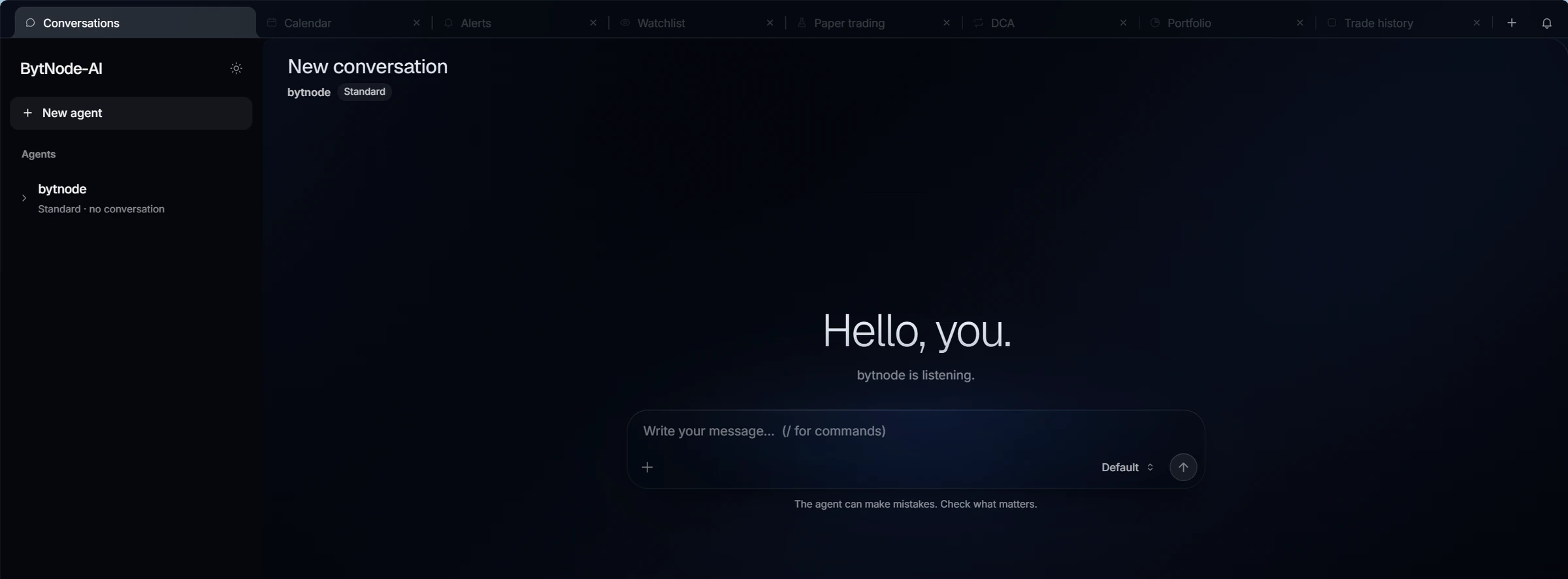
Works with the AI you already pay for
- Claude
- ChatGPT
- Gemini
- GitHub Copilot
- Grok
or any model with an OpenRouter key
Up and running
in four steps.
No account to create, no server to rent. Everything happens on your computer, in your browser.
Install it with one command.
Open a terminal and paste npx bytnode-ai. The app installs itself and opens in your browser. Next time, just type bytnode-ai.
npx bytnode-ai
Installing the bytnode-ai command… (about 1 min)
Installed: from now on, just type bytnode-ai to start the app.
Ready: http://localhost:3777 (Ctrl-C to stop)
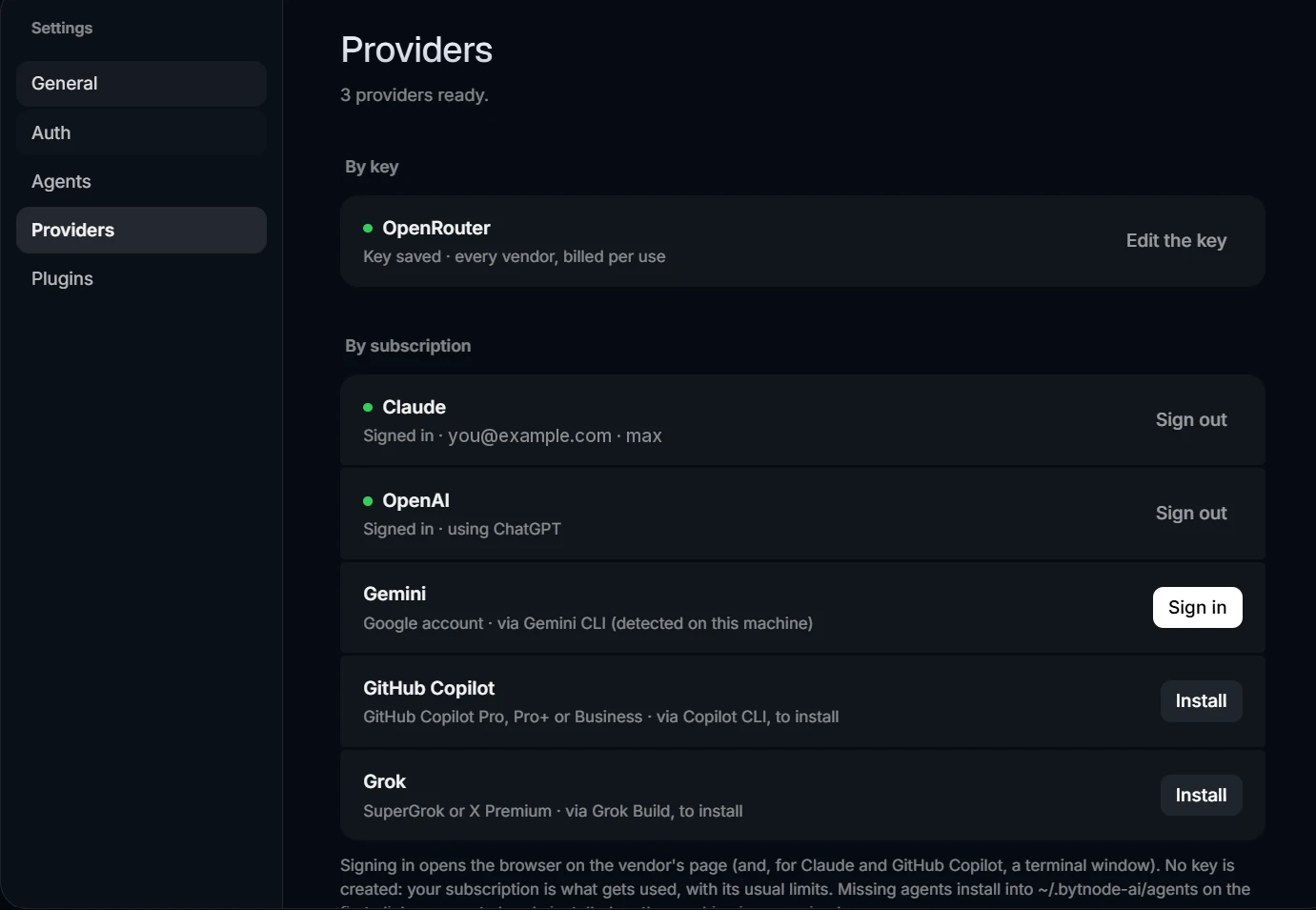
Connect your favourite AI.
Sign in with the subscription you already have — Claude, ChatGPT, Gemini, GitHub Copilot or Grok — and it is used as is, at no extra cost. Or paste an OpenRouter key to reach any model, paid per use.
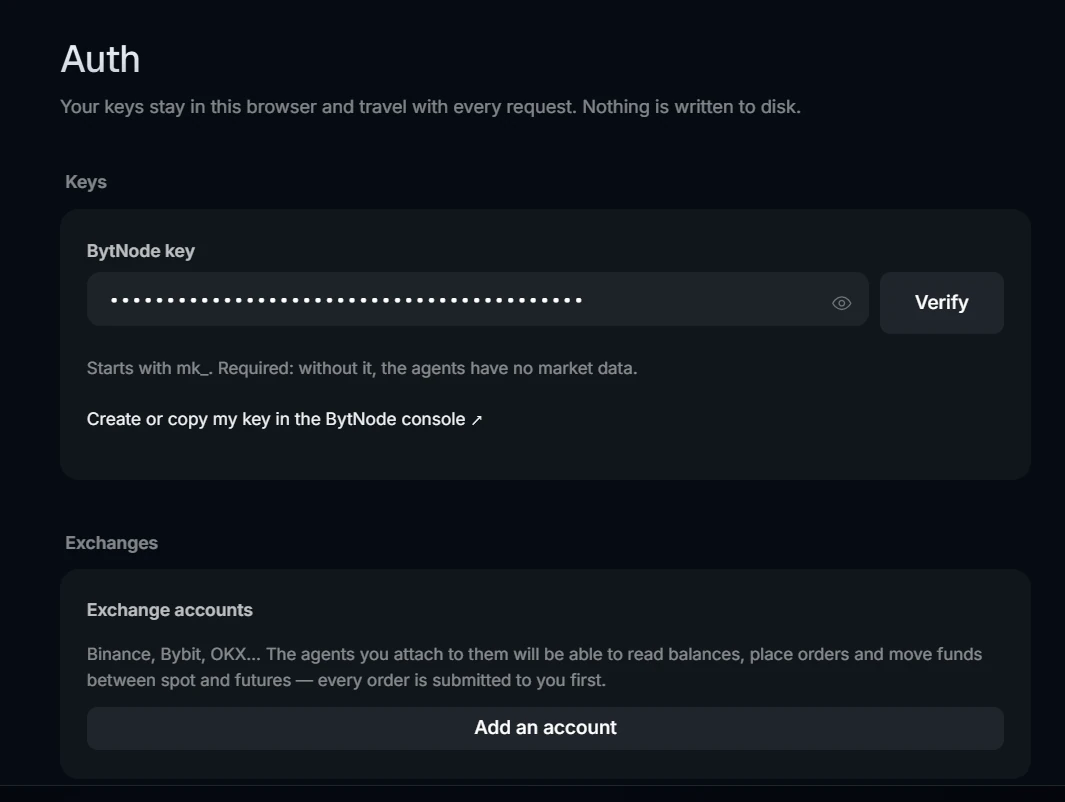
Plug in the market.
Paste your free BytNode key: your agents now read live prices, derivatives, on-chain data, ETF flows, macro and sentiment. Add your exchange accounts if you want them to follow your portfolio.
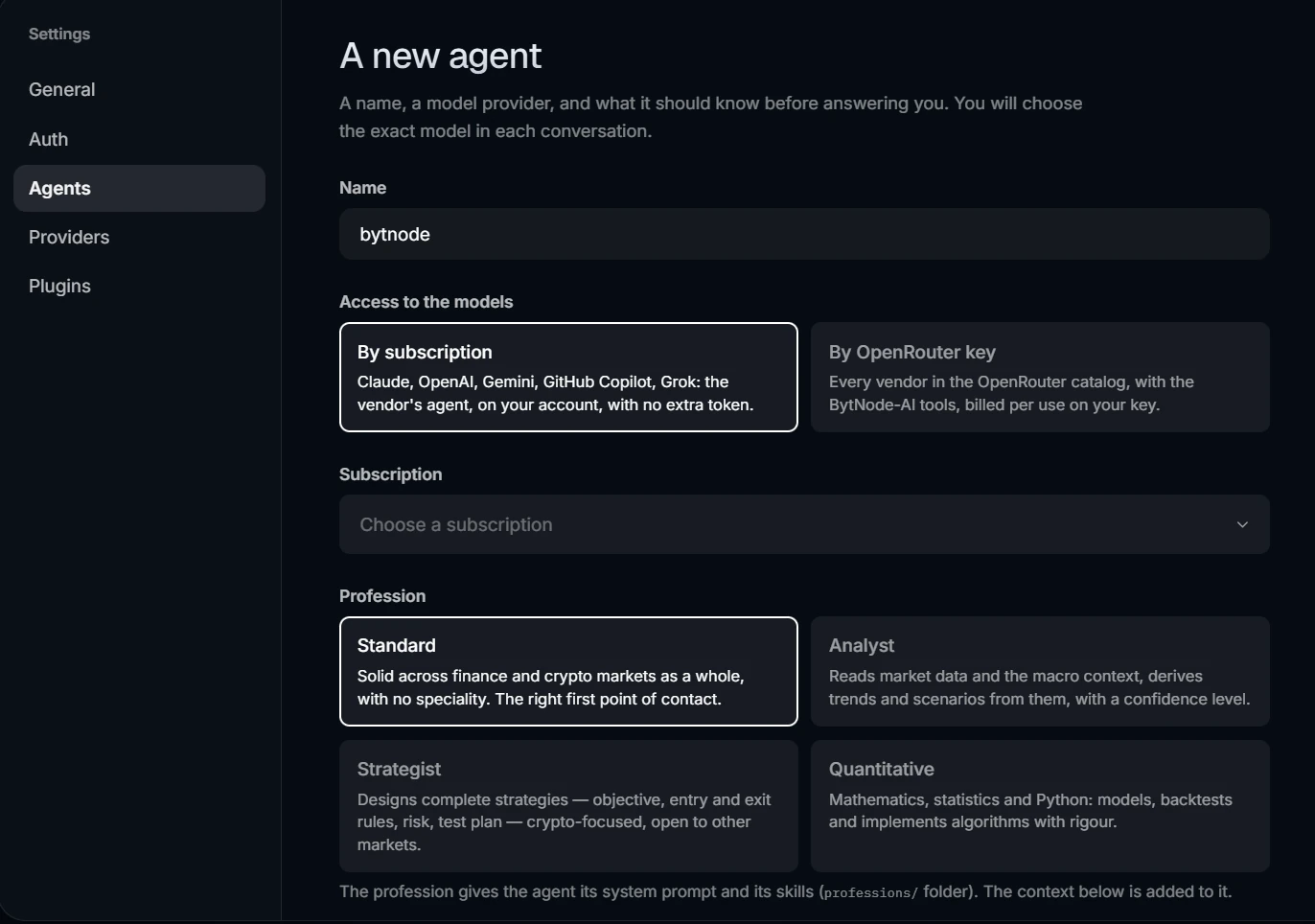
Create your agent.
Give it a name, choose how it reaches its AI and pick its profession. Then talk to it the way you would to a colleague.
Plugins that keep
working for you.
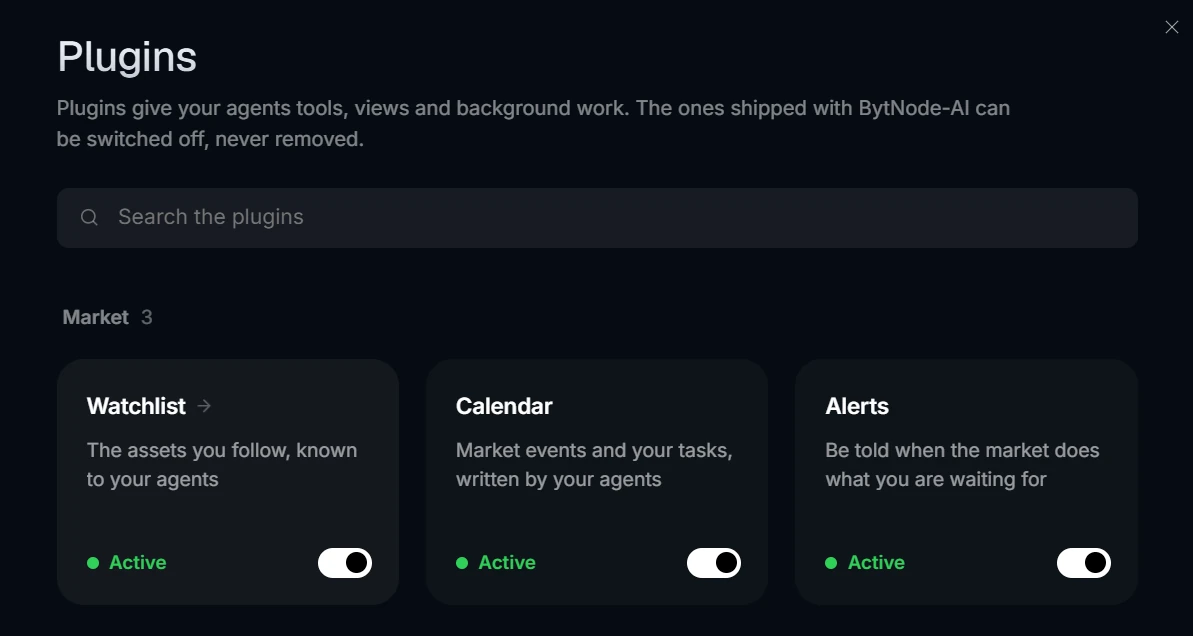
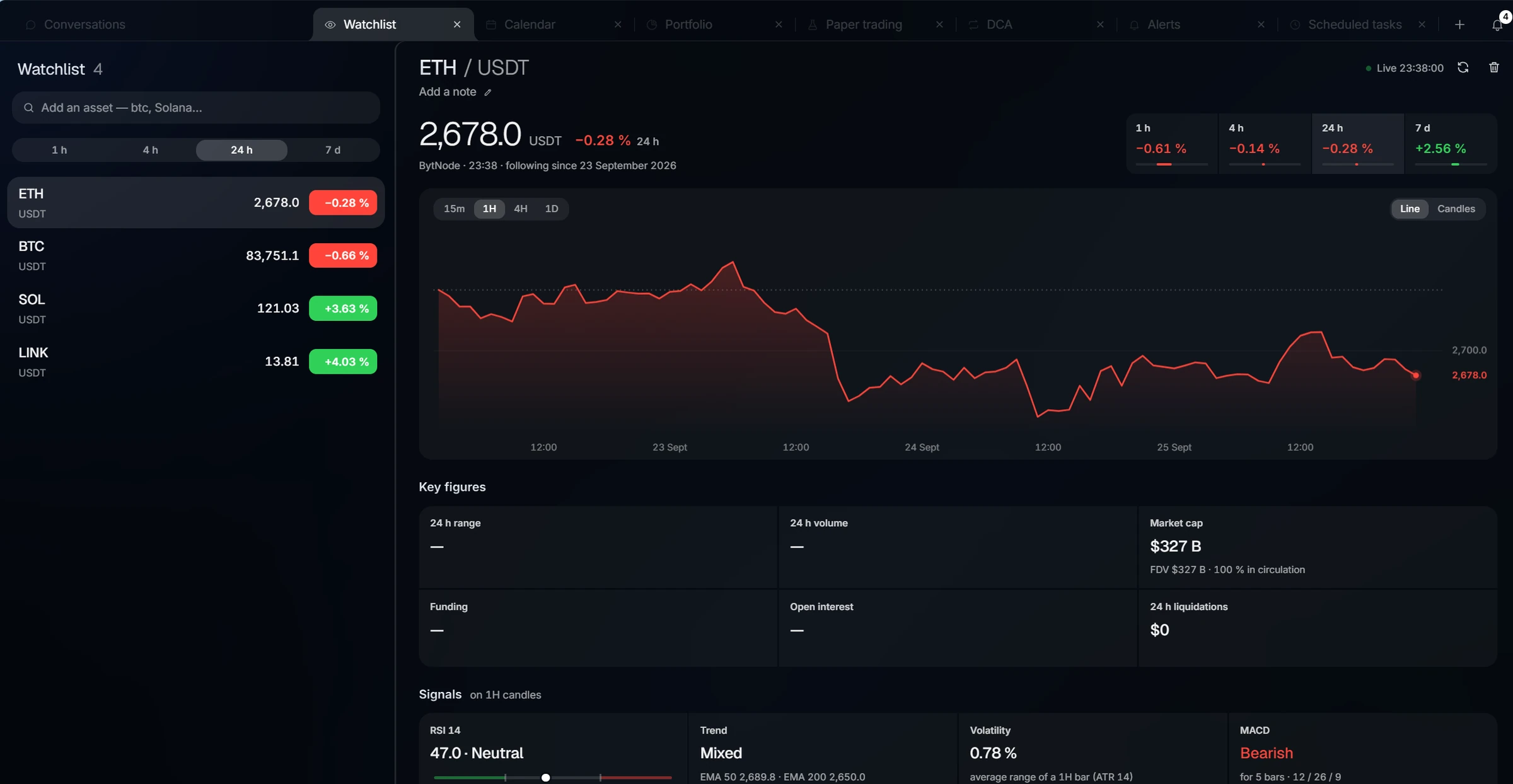
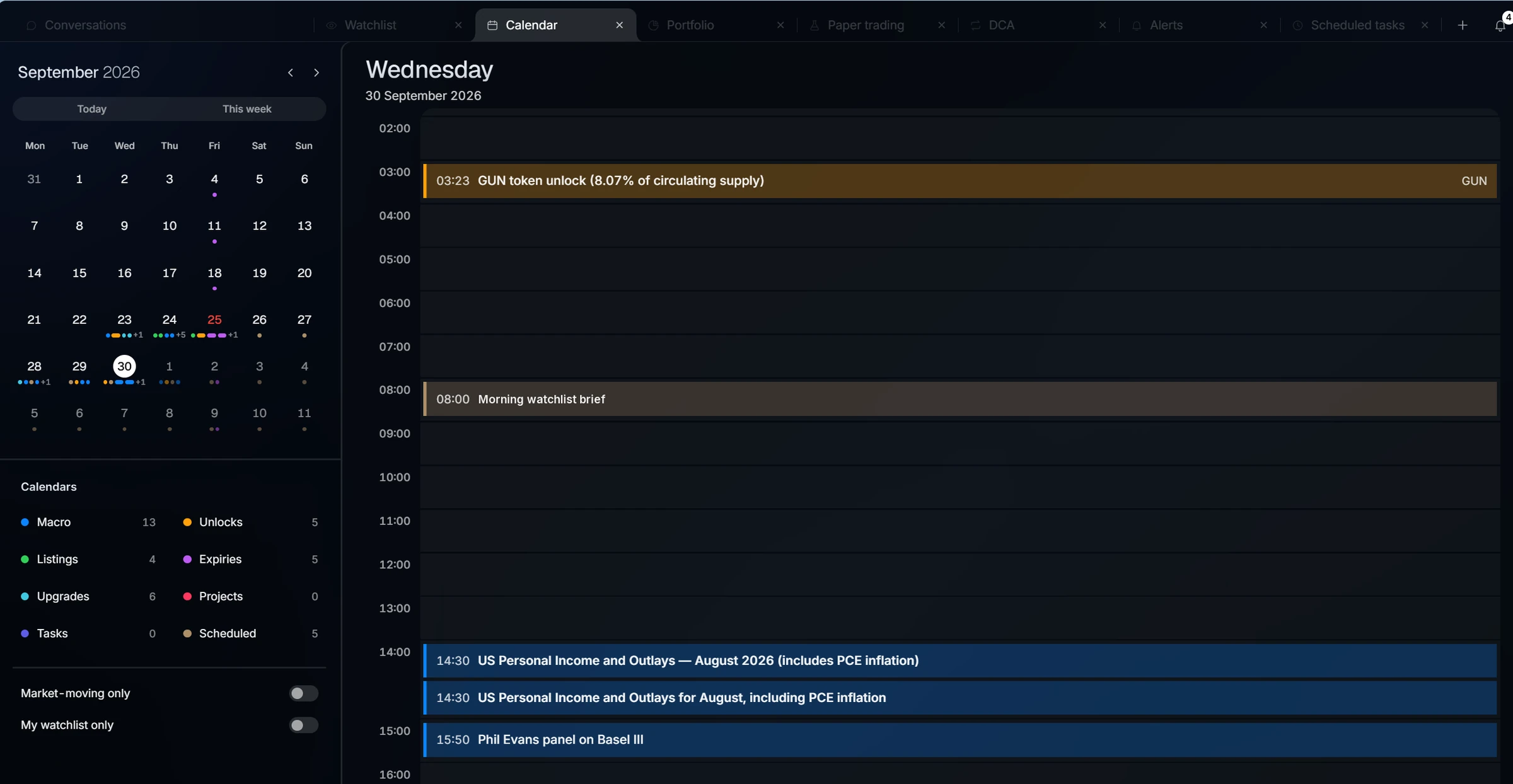
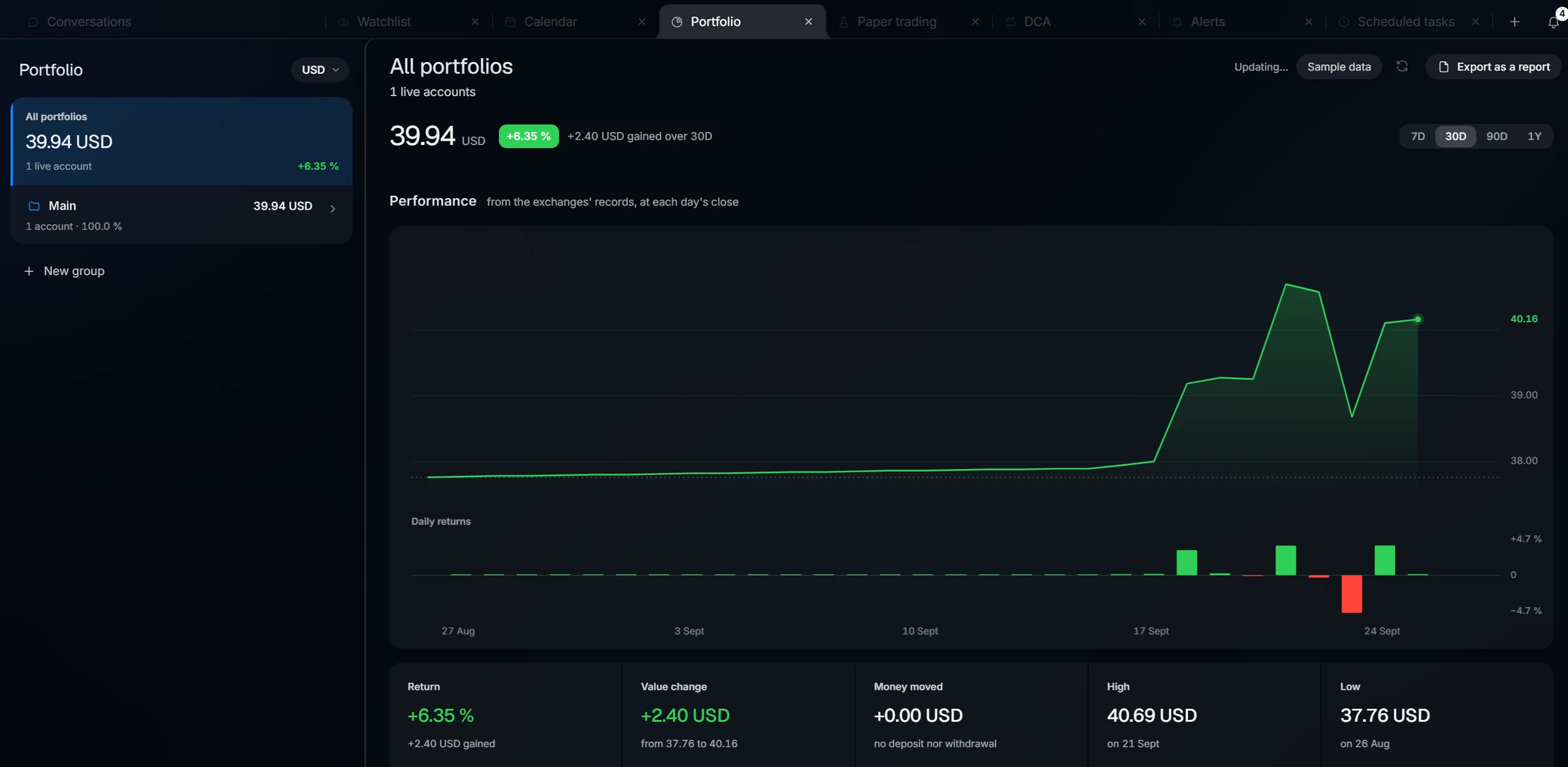
Plugins give your agents new tools, new tabs and work that runs in the background. Ten come with the app — and you can create your own.
Ten plugins ready to use. Click one to see it.
Describe it
Say what you want. Your agent asks what it needs to know, one question at a time, then sums up the plan and waits for your yes.
Your agent writes it
Tools your agents can call, a tab of its own, checks that run on a schedule, notifications — whatever the plugin needs.
The app checks it
Before anything runs, the plugin is tested against a simulated world: its code, its own tests, its page. Your agent fixes what fails.
You switch it on
You see what it asks for and approve it right in the conversation. Want a change later? Just ask.
A plugin runs in a closed box: it never sees your keys or your files, and it can only propose an order — you click each one.
Make me a plugin that warns me when Bitcoin’s funding rate turns negative.
Here is the plan: a check on Bitcoin’s funding every five minutes, and a notification the moment it turns negative. Approve it just below.
funding-alert asks to:
- Read BytNode market data
- Send you notifications
You stay in control.
An agent that can reach your money has to earn your trust. These rules are built into the app, not left to the AI.
It runs on your computer.
There is no BytNode-AI server in between. Your conversations and files stay on your machine; only what you send to the AI leaves it.
Your keys stay with you.
API keys are kept in your browser, on your computer, and travel only with the requests that need them.
Every order asks you first.
Placing an order, closing a position or moving funds between wallets always waits for your approval — even when the agent works on its own.
No withdrawals. Ever.
The agent has no tool to send money out of an exchange account. That door simply does not exist.
Practice first.
Paper trading lets your agent try a strategy with simulated money before a single real order.
It works in its own folder.
Each agent reads and writes inside the folder you give it, and asks before running a command.
BytNode-AI is an early version and changes quickly. Read the safety notice before you connect an exchange account. Read the safety notice
Start with one command.
Free for personal use. All you need is Node.js and a free BytNode key.
Get your free BytNode key